As an Amazon Associate I earn from qualifying purchases. This page contains affiliate links, and I may earn a commission at no extra cost to you.
Buying for Christmas? Start with our Yoto vs Toniebox (incl. Toniebox Lite) guide, with picks by age.
Screen-free audio players solve a real modern parenting dilemma: they give young children independent control over music and bedtime stories without handing them a glowing tablet or an algorithmic video feed. The initial hardware purchase, however, is rarely where the spending ends. Official audio cards from major brands regularly cost between £7 and £12 each for a single 40-minute story, meaning a modest library of 20 audiobooks can quietly cost more than the player itself.
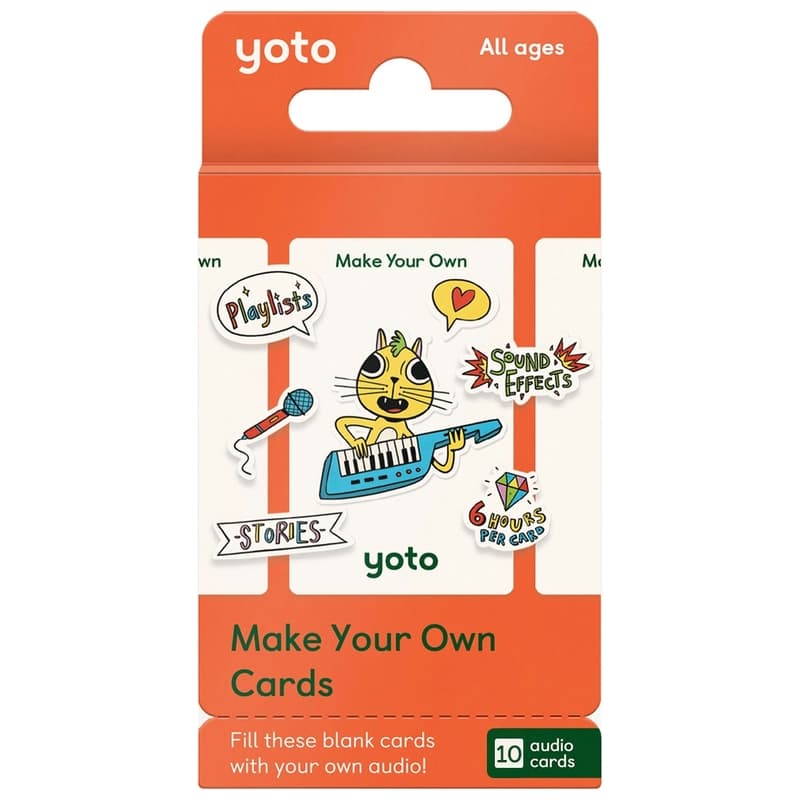
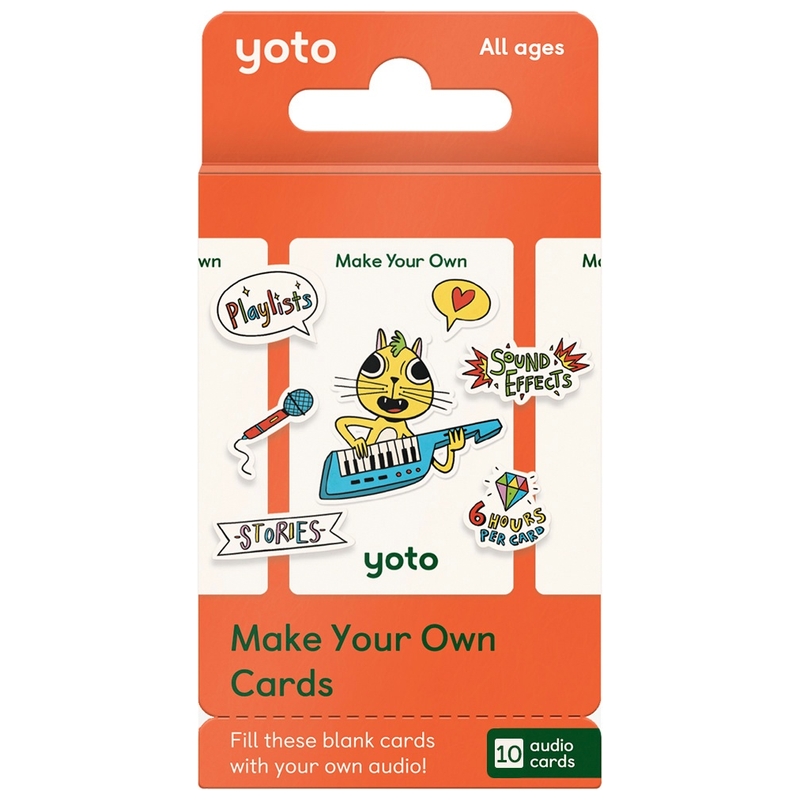
This is where the Yoto Make Your Own Cards (10-Pack) changes the economics of children's audio entirely. Instead of paying recurring retail fees for every nursery rhyme or bedtime chapter, these rewriteable NFC cards allow you to link personal MP3s, stream dynamic podcast RSS feeds, pipe in live child-friendly web radio, and record distant grandparents reading bedtime stories—all managed through a clean mobile app with zero ongoing subscription costs.
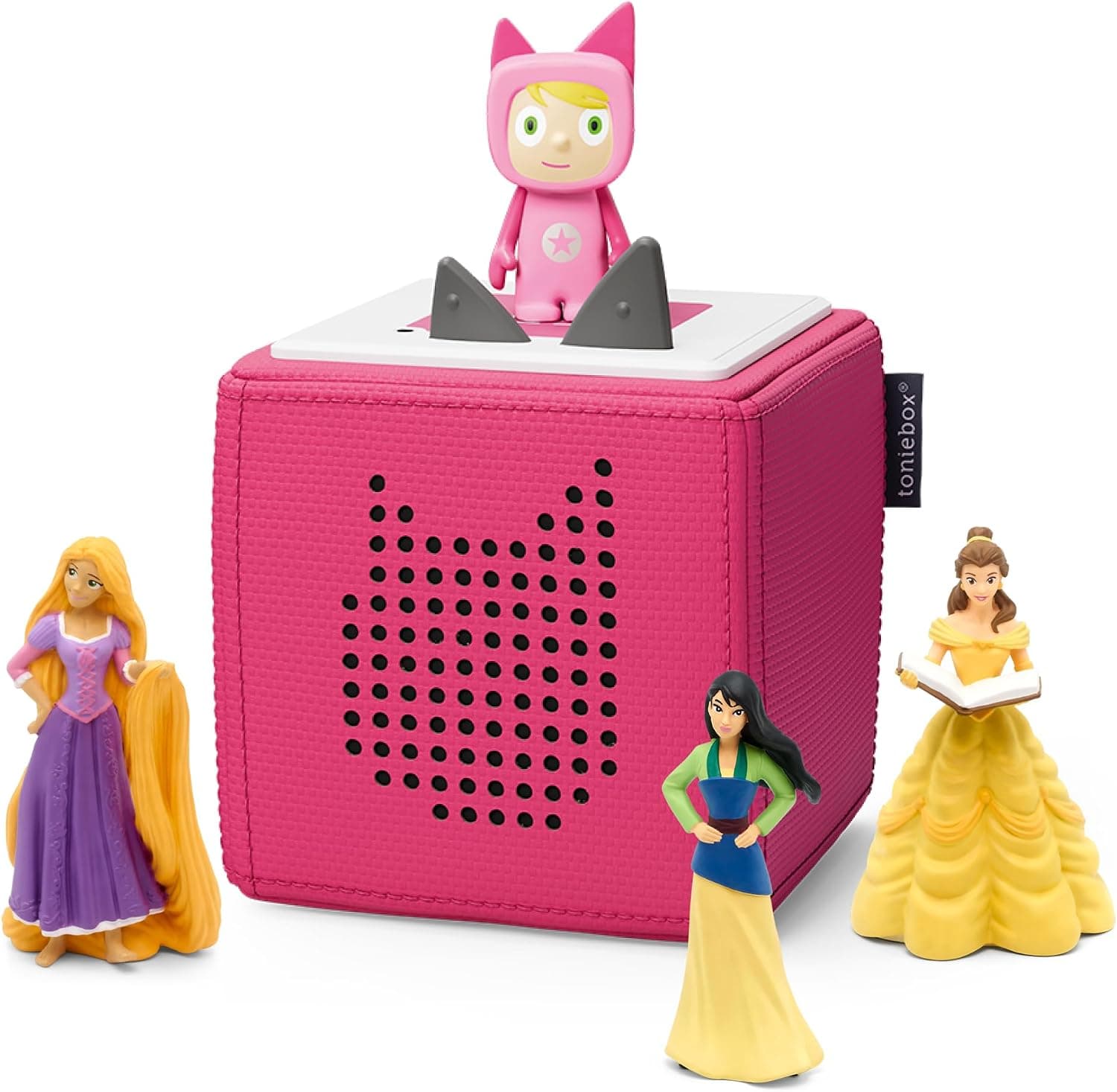
This guide breaks down the real workflow, technical storage limits, daily usability, and cost trade-offs of Yoto's blank cards against leading alternatives like the Toniebox Starter Set Currently unavailable on Amazon and standalone storytellers like the LeapFrog LeapStory.
The Core Proposition: How Yoto Make Your Own Cards Work
At a physical level, a Yoto Make Your Own (MYO) card looks identical to a standard commercial Yoto card. It is a durable, credit-card-sized piece of plastic embedded with a passive NFC (Near Field Communication) chip. The card itself does not actually hold the raw audio files inside its plastic shell. Instead, tapping the card against the card slot of a Yoto Player (3rd Generation) or Yoto Mini transmits a unique digital identifier to the device.
The player then fetches the corresponding audio tracks mapped to that identifier via your Yoto cloud library. Once connected to home Wi-Fi, the player automatically downloads the complete audio file to its internal flash memory. After that initial download completes, the card plays fully offline anywhere—in the car, on planes, or during off-grid camping holidays—without requiring an internet connection.
Technical Capacities and File Limits
Unlike competing audio tokens that impose frustratingly short recording caps, Yoto provides remarkably generous parameters per individual MYO card:
- Maximum audio runtime: Up to 6 hours per single card.
- Maximum file size: Up to 500 MB per playlist.
- Track limit: Up to 100 individual tracks per card.
- Supported audio formats: MP3, AAC, and M4A.
- Rewrite capability: Infinite. You can re-link new audio or overwrite an existing card in seconds using the smartphone app.
A single 10-pack provides a massive 60 hours of potential playback. For context, that is enough capacity to house several full-length classic audiobook series, dozens of family voice notes, and multiple daily updating podcast feeds with plenty of headroom to spare.
Setting Up Your First MYO Card: The Practical Workflow
Linking content to a blank card takes less than two minutes once you understand the basic three-step pipeline in the free Yoto companion app (available on iOS and Android).
1. Building Playlists in the Yoto App
From the 'Make Your Own' tab inside the app, select 'Add Playlist'. You can upload personal MP3 files directly from your phone's local storage, Google Drive, iCloud, or a desktop web browser. For parents who want custom visual flair, the desktop web interface allows you to assign specific 16x16 pixel icons to every individual track. When a child skips between chapters using the player's physical orange dials, the custom pixel art illuminates on the front display of the Yoto Player (3rd Generation) to show them exactly what is playing.
2. Linking the Physical Card
Once your playlist is saved in your digital library, tap the three dots next to the playlist name and choose 'Link to a Card'. Hold a blank MYO card against the NFC antenna on the back of your smartphone (or insert the blank card directly into your connected Yoto player). The app registers the card's ID, confirms the link with a haptic chime, and the card is instantly active.
3. Labelling and Visual Organisation
Because blank cards arrive as plain white plastic, children need a visual way to distinguish their audiobooks. The pack includes official sticker sheets, but many owners opt for vinyl sticker printer paper or simple waterproof permanent markers. If you overwrite a card with new content six months later, you can simply peel off the sticker or place a fresh label over the top.
Four High-Value Uses That Save Serious Money
While recording family members is the headline feature marketing materials love to highlight, the real long-term value comes from three other audio sources that eliminate recurring expenses entirely.
1. Live Updating Podcasts (Dynamic RSS Feeds)
This is arguably Yoto's most powerful software feature. Instead of linking static audio files, you can paste any public podcast RSS feed URL into the Yoto playlist creator (such as BBC CBeebies Radio, Greeking Out, or Stories Podcast). When your child inserts that specific MYO card in the morning, the player automatically streams or downloads the newest episode published by that show. It turns a static piece of plastic into an auto-updating radio broadcast card with zero subscription charges.
2. Public Domain and Out-of-Copyright Audiobooks
Websites like LibriVox offer thousands of free, volunteer-narrated public domain audiobooks. Classics such as Peter Pan, The Secret Garden, Alice in Wonderland, and The Wind in the Willows can be downloaded as MP3s and loaded onto blank cards for pennies. A commercial publisher might charge £8.99 for a physical Yoto version of the exact same story.
3. Digitised CD Collections and MP3 Purchases
If you already own children's story CDs or DRM-free MP3 downloads from digital music stores, you do not need to buy those titles a second time in proprietary Yoto card format. Ripping your existing library into MP3 tracks and loading them onto blank cards lets you reuse your existing media assets seamlessly.
4. Bedtime Voice Notes from Distant Family
For working parents who travel, military families, or grandparents who live far away, family members can record themselves reading bedtime stories using their own smartphone voice memo app. Parents can import those voice notes directly into a 'Bedtime with Nana' playlist. Hearing a familiar voice soothe them to sleep provides immense comfort to younger children.
The Core Hardware: Yoto Player (3rd Generation)
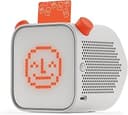
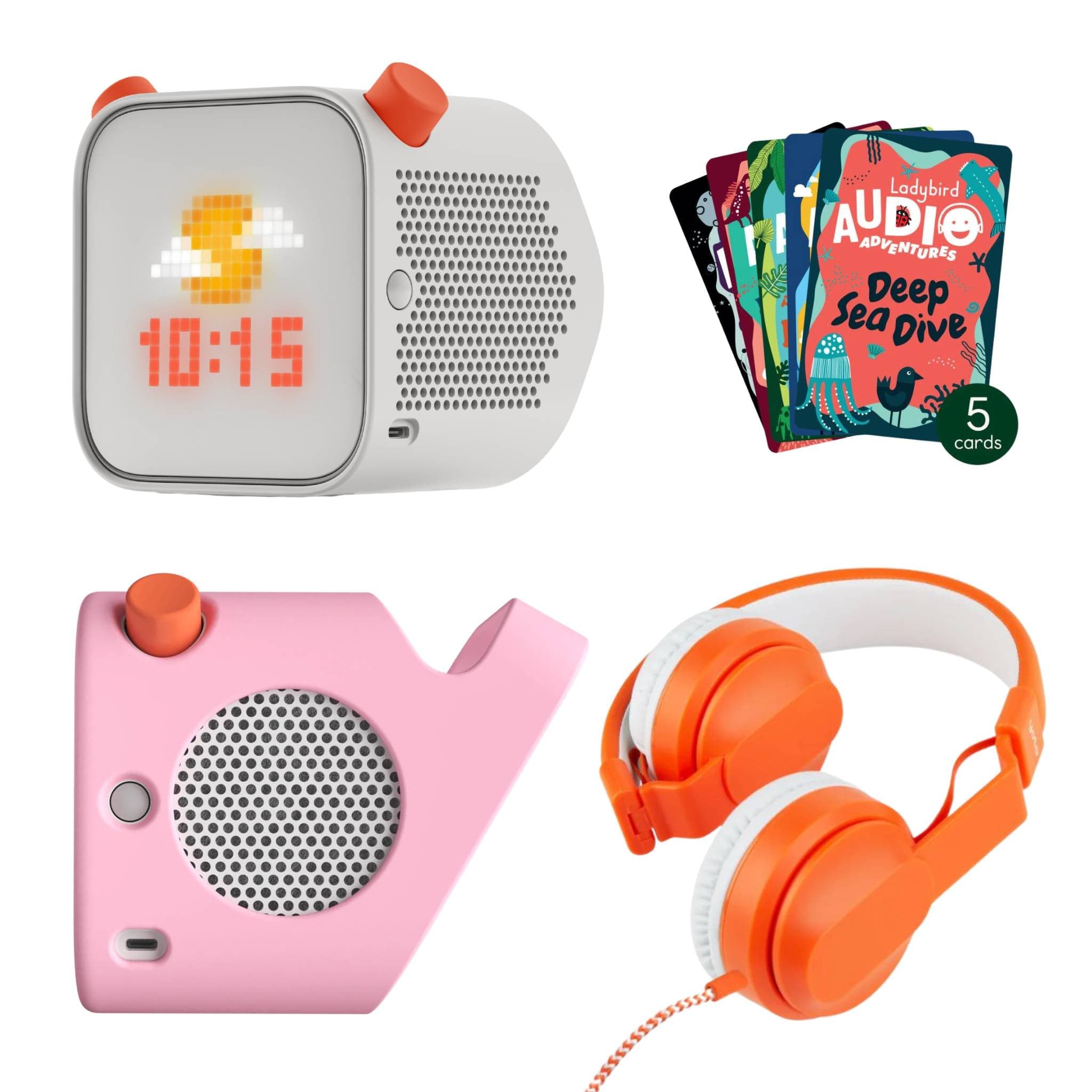
Blank cards require compatible hardware to function. The flagship Yoto Player (3rd Generation) represents the current benchmark for modern screen-free smart players. Built with a robust cube silhouette, large kid-friendly tactile knobs, and a vibrant pixel display, it provides a tactile, tactilely satisfying audio experience designed specifically for children aged 3 to 12.
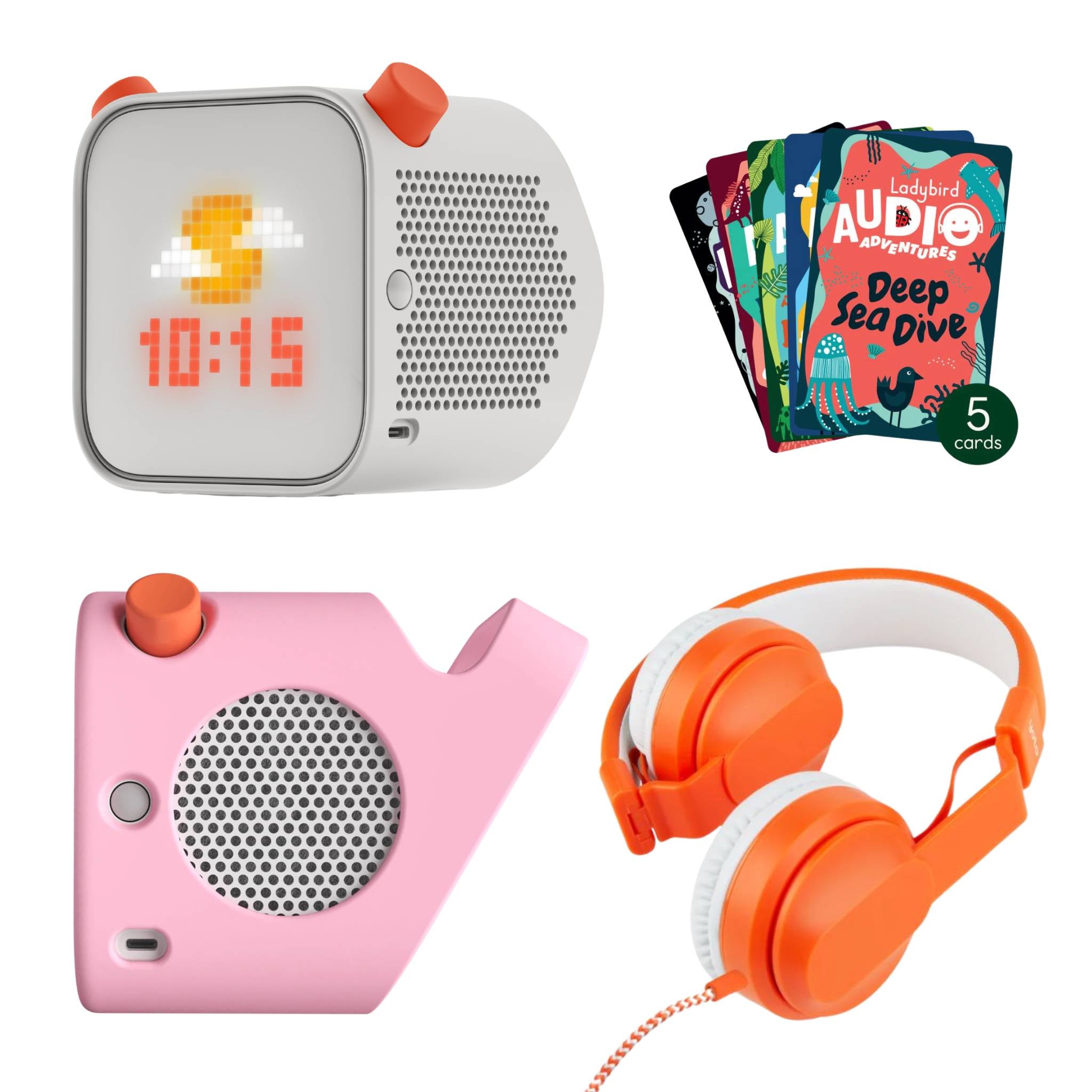
Equipped with 32 GB of internal storage, it can store more than 600 hours of audio files directly on the unit. Battery life is rated at up to 16 hours per charge via USB-C, and it includes functional features like an integrated nightlight, room temperature sensor, and programmable 'OK-to-wake' clock face colours. Its seamless integration with rewriteable NFC cards makes it significantly more flexible for growing children than closed-ecosystem alternatives.
Comparison: Custom Audio Capabilities Across Leading Players
How do Yoto's blank cards compare against custom audio solutions on competing children's audio platforms? The table below outlines key specifications and practical workflow limitations.
| Product | Custom Audio Mechanism | Capacity / Runtime | Key Workflow Constraint | Amazon Option |
|---|---|---|---|---|
| Yoto Make Your Own Cards (10-Pack) | Rewriteable NFC Card | 6 hours / 500 MB per card (60 hrs total) | Requires parent phone/desktop app for initial MP3 upload | See it on Amazon |
| Yoto Player (3rd Generation) | Full Yoto OS Ecosystem | 32 GB internal storage (600+ hrs offline) | Hardware base unit required to play NFC cards | See it on Amazon |
| Toniebox Starter Set Currently unavailable on Amazon | Creative-Tonie Figurines | 90 minutes per figurine | Bulky to store; 90-minute hard cap limits long audiobooks | Currently unavailable on Amazon |
| LeapFrog LeapStory | Direct On-Device Microphone | Short individual voice recordings + 60 built-in stories | No external MP3/podcast linking; closed library | See it on Amazon |
Alternatives to Consider
While Yoto's ecosystem offers immense flexibility for custom audio files, different families have varying priorities around durability, physical handling, and setup complexity.
Toniebox Starter Set
The Toniebox Starter Set Currently unavailable on Amazon is the primary competitor in the smart audio space. Instead of flat cards, it uses squishy, padded speaker hardware paired with magnetic hand-painted figurines ('Tonies'). For toddlers aged 1 to 3, physical figurines are undeniably easier to grip and place than thin NFC cards.
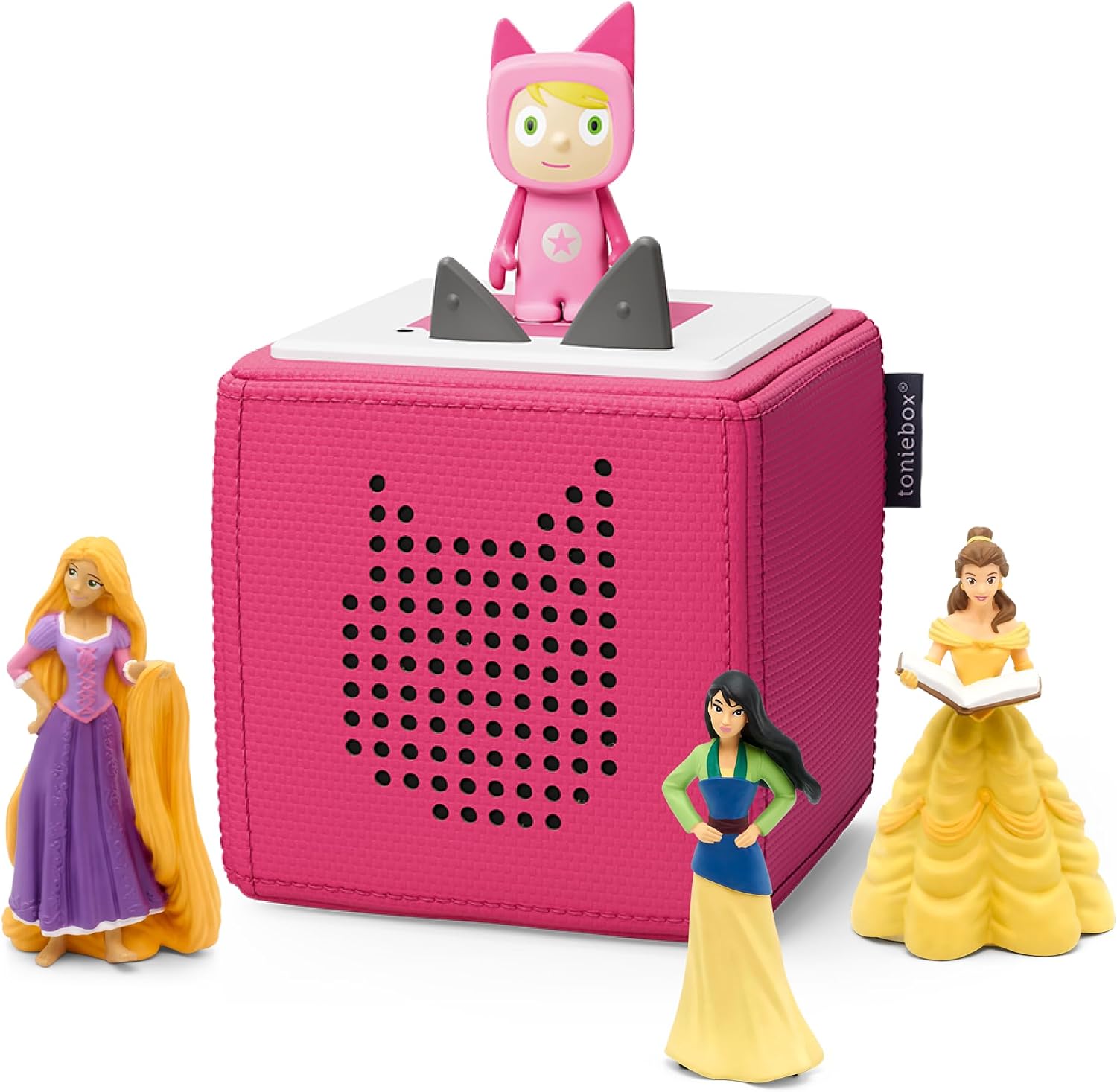
For custom audio, the platform relies on 'Creative-Tonies'. While they allow custom MP3 uploads and app-recorded voice notes, they suffer from a rigid 90-minute maximum runtime per figurine. Storing 60 hours of audio using Creative-Tonies would require dozens of bulky, expensive plastic figurines, making it significantly less practical for older children or long-form chapter books than Yoto's compact card format.
LeapFrog LeapStory
If you want custom voice recordings without dealing with MP3 file management, cloud servers, or companion mobile apps, the LeapFrog LeapStory takes a simpler, standalone approach. Designed primarily as a visual bedtime storyteller and sleep trainer, it projects animated imagery onto bedroom walls while narrating classic tales.
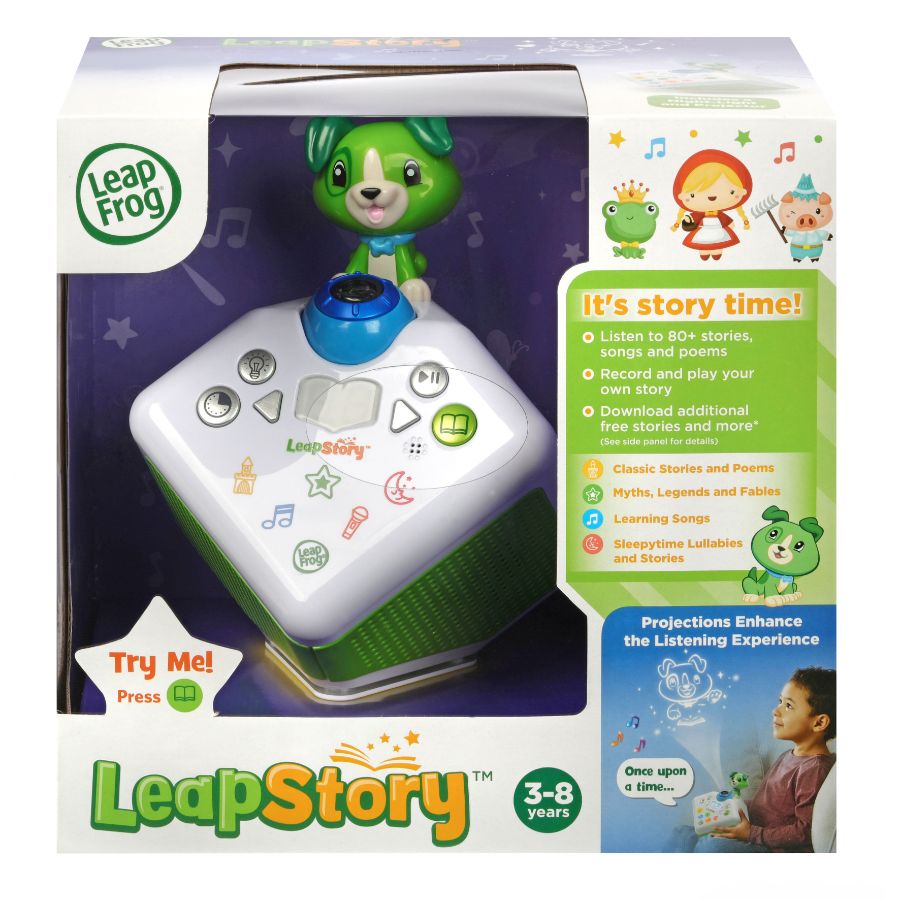
It includes over 60 pre-loaded stories, lullabies, and nature sounds right out of the box, with no additional card or figurine purchases required. Parents can record custom bedtime stories directly through the unit's integrated microphone. However, it completely lacks external file imports, podcast streaming, or ecosystem expansion. It is a closed, budget-friendly bedtime appliance rather than an extensible childhood audio library.
Real-World Trade-Offs: Where MYO Cards Require Effort
Despite their exceptional value, Make Your Own cards are not a plug-and-play solution for parents who dislike managing digital files. There are genuine friction points worth weighing before you commit:
- Initial Caching Lag: When you first map an audio file to a card and insert it into the player, it streams over Wi-Fi while silently downloading to local storage in the background. If you immediately take the player on a road trip before that background download finishes, the card will stop playing once it loses the home Wi-Fi signal.
- Manual Curation Time: Sourcing MP3 files, organising track metadata, splitting chapters, and designing pixel display icons takes real parent time. If you prefer taking a card out of shrinkwrap and handing it straight to your child without touching a computer, commercial pre-made cards are far more convenient.
- Physical Labelling: Because MYO cards look identical, you must maintain a reliable labelling system. If you do not use durable stickers, young children will quickly get frustrated trying to guess which blank white card contains their favourite music.
Who Should Buy the Yoto Make Your Own 10-Pack?
The Yoto Make Your Own Cards (10-Pack) is an essential purchase for existing Yoto owners who want to cut ongoing story costs and expand their child's listening options beyond retail catalogues. It is particularly ideal for:
- Parents whose children listen to daily educational podcasts and serialized stories.
- Families with large existing libraries of ripped audio CDs or DRM-free digital MP3s.
- Expats or bilingual households who want audio content in languages not supported by commercial Yoto releases.
- Relatives looking to record personal, lasting bedtime memories for young grandchildren.
If you only want a standalone machine with fixed stories and zero app setup, the LeapFrog LeapStory is simpler. For younger toddlers who need chunky, drop-proof figurines, the Toniebox Starter Set Currently unavailable on Amazon offers tactile appeal. But for sheer audio volume, flexibility, and cost efficiency, nothing in the screen-free category rivals Yoto's custom card workflow.
Bottom Line and Final Recommendation
Buying proprietary story cards indefinitely turns screen-free audio into an expensive ongoing habit. The Yoto Make Your Own Cards (10-Pack) represents the single highest-value accessory available across any children's audio platform. Offering up to 60 hours of rewriteable playback, podcast integration, and infinite reuse for a modest one-off cost, it pays for itself after digitising just two or three audiobooks.