As an Amazon Associate I earn from qualifying purchases. This page contains affiliate links, and I may earn a commission at no extra cost to you.
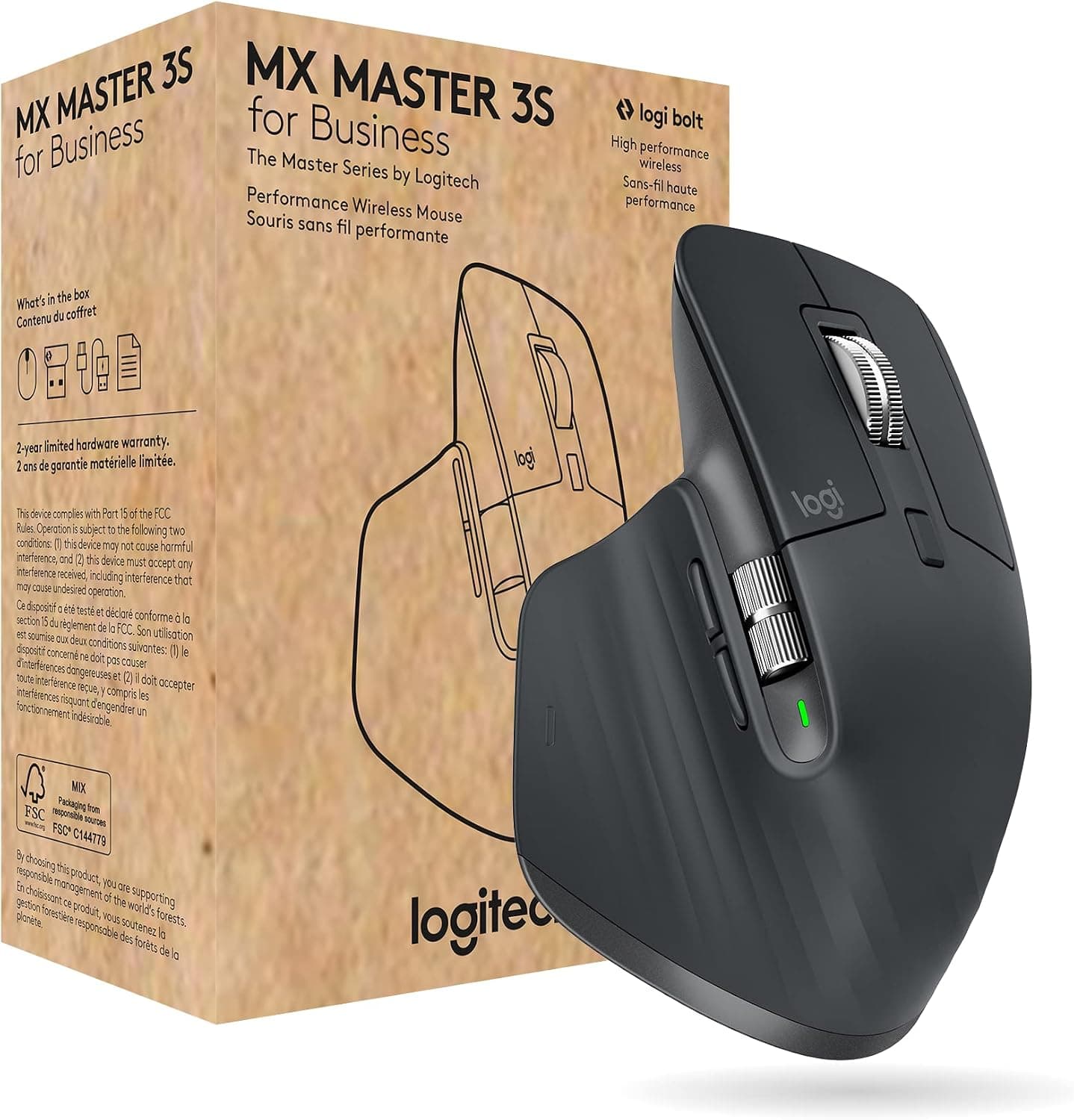
Spend eight hours a day dragging a cheap, symmetrical office mouse across a laminate desk, and your forearm muscles will let you know about it by mid-afternoon. Carpal tunnel ache, sluggish optical sensors skipping over shiny table surfaces, and click sounds that reverberate through quiet open-plan rooms have driven thousands of desk workers toward one specific peripheral: the Logitech MX Master 3S Wireless Performance Mouse.
For several product generations, Logitech's MX Master line has stood as the undisputed benchmark for high-end workstation peripherals. Yet with a retail price regularly sitting between £100 and £120, prospective buyers facing seasonal sales events—such as Prime Big Deal Days or Black Friday—frequently ask whether this pointer actually delivers tangible productivity gains, or whether the premium price tag simply funds clever marketing. This guide breaks down the core hardware specifications, daily ergonomics, multi-device software ecosystem, and current UK pricing realities to determine whether the MX Master 3S deserves your hard-earned money or if an alternative fits your workflow better.
The Core Upgrades: What Makes the MX Master 3S Stand Out?
The standard MX Master 3 was already widely regarded as a pinnacle productivity tool, so when Logitech introduced the 'S' refresh, it focused on refining subtle pain points rather than overhauling the chassis geometry. The design incorporates two fundamental technical upgrades that alter how the peripheral behaves in daily operation.
1. 8,000 DPI Darkfield Tracking
Older high-end office mice generally capped out at 4,000 DPI. For standard 1080p monitors, 4,000 DPI was plenty. However, modern workspace setups increasingly feature dual 4K monitors or ultra-wide displays running at high resolutions. The Logitech MX Master 3S Wireless Performance Mouse carries an upgraded 8,000 DPI Darkfield sensor that doubles sensitivity. This allows users to sweep a cursor across 7,680 horizontal pixels with tiny, low-effort wrist twitches rather than repetitive whole-arm sweeps.
Equally important is the Darkfield sensor architecture itself, which reads micro-imperfections on virtually any flat material. Unlike entry-level optical mice that stutter or fail entirely on glass desks, polished stone worktops, or glossy cafe tables, the sensor tracks consistently without requiring a separate mouse mat.
2. Quiet Click Acoustic Dampening
The second headline improvement is the switch mechanism. Mechanical click switches on productivity peripherals can produce a sharp, high-pitched clatter that quickly grates in shared offices, video calls, or late-night home office sessions. Logitech implemented acoustic dampening membrane switches beneath the primary left and right buttons. Published measurements and verified owner feedback confirm a roughly 90% reduction in acoustic click noise compared to the previous MX Master 3. The feedback remains tactile with a distinct actuation point, but the audio signature transforms from a metallic snap into a soft, muffled thud.
MagSpeed Electromagnetic Scrolling: The True Productivity Engine
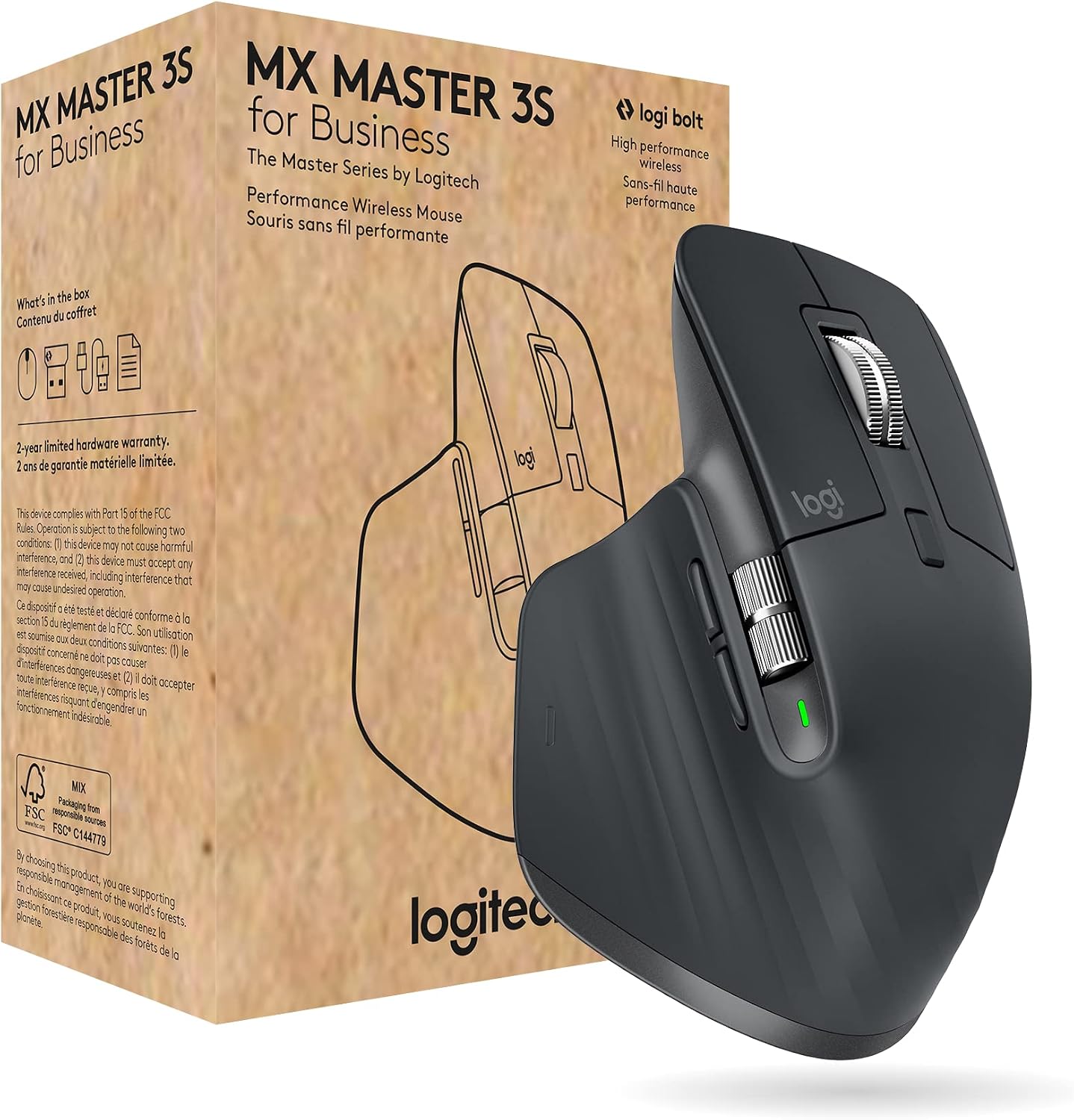
While sensor numbers look impressive on paper, the real justification for buying into the MX Master ecosystem lies under your index finger. The machined steel MagSpeed scroll wheel uses computer-controlled electromagnets to shift seamlessly between two distinct operating modes:
- Ratchet Mode: Delivers precise, tactile line-by-line scrolling, ideal for stepping through lines of code, spreadsheets, or editing video timelines.
- Free-Spin (Freespin) Mode: Disengages the magnetic resistance completely, allowing the heavy metal wheel to spin with near-zero friction. Logitech states the wheel can flick through 1,000 lines of text per second.
The system features an automated 'SmartShift' function: flick the wheel quickly while in ratchet mode, and the electromagnets instantly disengage the ratchet, dropping the wheel into free-spin until the momentum subsides. For data analysts managing thousands of spreadsheet rows or legal professionals scrolling through 200-page contracts, this single feature eliminates significant finger fatigue.
Complementing the primary MagSpeed wheel is a machined thumb wheel on the lateral flank. By default, it manages horizontal scrolling in Excel, wide browser windows, and digital audio workstations. Through the Logi Options+ application, you can map this secondary wheel to zoom levels, brush sizes in graphic software, or video scrubbing.
Multi-Computer Workflows: Logi Bolt and Logitech Flow
Work environments often require juggling multiple machines—a corporate Windows laptop alongside a personal MacBook, or a desktop workstation paired with an iPad. The Logitech MX Master 3S Wireless Performance Mouse connects to up to three distinct devices via Bluetooth Low Energy or the included Logi Bolt USB receiver.
Unlike previous generations that used the legacy Unifying receiver, the MX Master 3S transitions exclusively to Logi Bolt. Bolt employs an encrypted, closed Bluetooth Low Energy link designed to maintain stable polling rates in congested wireless office environments. Note that Bolt is not backwards-compatible with older Unifying dongles, though you can pair multiple modern Logitech Bolt accessories to a single Bolt receiver.
The software anchor of the MX ecosystem is Logitech Flow, built into Logi Options+. When multiple computers sit on the same local network, moving the mouse pointer past the physical edge of one screen seamlessly transfers control to the adjacent machine. Flow even synchronises the system clipboard, enabling you to copy text, images, or files on macOS and paste them directly onto Windows without emailing attachments or moving thumb drives back and forth.
Ergonomics, Grip Style, and Daily Comfort
Logitech shaped the MX Master 3S around a high, sculpted palm rest with an extended thumb shelf. The chassis forces a natural 45-degree hand angle, reducing the pronation of your forearm compared to flat, low-profile alternatives. A rubberised, textured coating wraps around the exterior to ensure secure grip without sticky degradation under normal indoor conditions.
However, ergonomics are never one-size-fits-all, and potential buyers must note two physical constraints:
- Hand Size: The mouse measures approximately 125 mm in length and weighs a substantial 141 grams. It fits medium-to-large hands comfortably when using a palm grip. Users with small hands often report difficulty reaching the forward side buttons or thumb gesture button naturally.
- Right-Handed Exclusivity: The aggressive asymmetry and dedicated thumb wing mean left-handed users cannot use the MX Master 3S. Logitech does not manufacture a left-handed edition of this chassis.
UK Price Analysis: What Counts as a Genuine Deal?
The standard UK recommended retail price (RRP) for the MX Master 3S sits around £119.99, though typical baseline street prices hover between £95 and £105. During major sales events like Prime Big Deal Days, Black Friday, and seasonal spring promotional periods, pricing dynamics shift noticeably.
Historic tracking indicates that a price drop below £85 represents an exceptional promotional deal, while prices between £85 and £95 represent solid, fair value. If you spot the peripheral listed above £105 during an active sales campaign, retailers are likely offering minimal real discount against everyday pricing. When weighing an investment in a peripheral you interact with for 1,500+ hours a year, paying £80–£90 works out to pennies per working day over its multi-year operational lifespan.
Head-to-Head Comparison: MX Master 3S vs Leading Competitors
While the MX Master 3S commands significant market share, strong alternative models cater to different hand sizes, ergonomic postures, and workstation requirements. The table below compares the flagship against three major competitors.
| Product Name | Sensor & Tech | Key Strength | Form Factor | Price Band | Buy Link |
|---|---|---|---|---|---|
| Logitech MX Master 3S Wireless Performance Mouse | 8K DPI Darkfield, Quiet Clicks | MagSpeed wheel, Flow multi-OS clipboard | Large Ergonomic (Right-hand) | Premium (£85–£120) | See it on Amazon |
| Razer Pro Click Ergonomic Wireless Mouse | 16K DPI 5G Optical, 400h Battery | Humanscale co-designed posture grip | Large Ergonomic (Right-hand) | Mid-to-High (£70–£100) | See it on Amazon |
| Logitech MX Anywhere 3S Compact Wireless Mouse | 8K DPI Darkfield, Quiet Clicks | Ultra-portable, works on glass, MagSpeed | Compact Symmetrical | Mid-Range (£60–£85) | See it on Amazon |
| Logitech Lift Vertical Ergonomic Mouse | 4K DPI Optical, SmartWheel | 57-degree natural handshake angle | Vertical Ergonomic (Small-Med) | Mid-Range (£50–£70) | See it on Amazon |
Alternatives to Consider
If the MX Master 3S does not align with your specific ergonomic needs, desk layout, or budget, consider these three well-established alternatives.
1. The Ergonomic Posture Competitor: Razer Pro Click
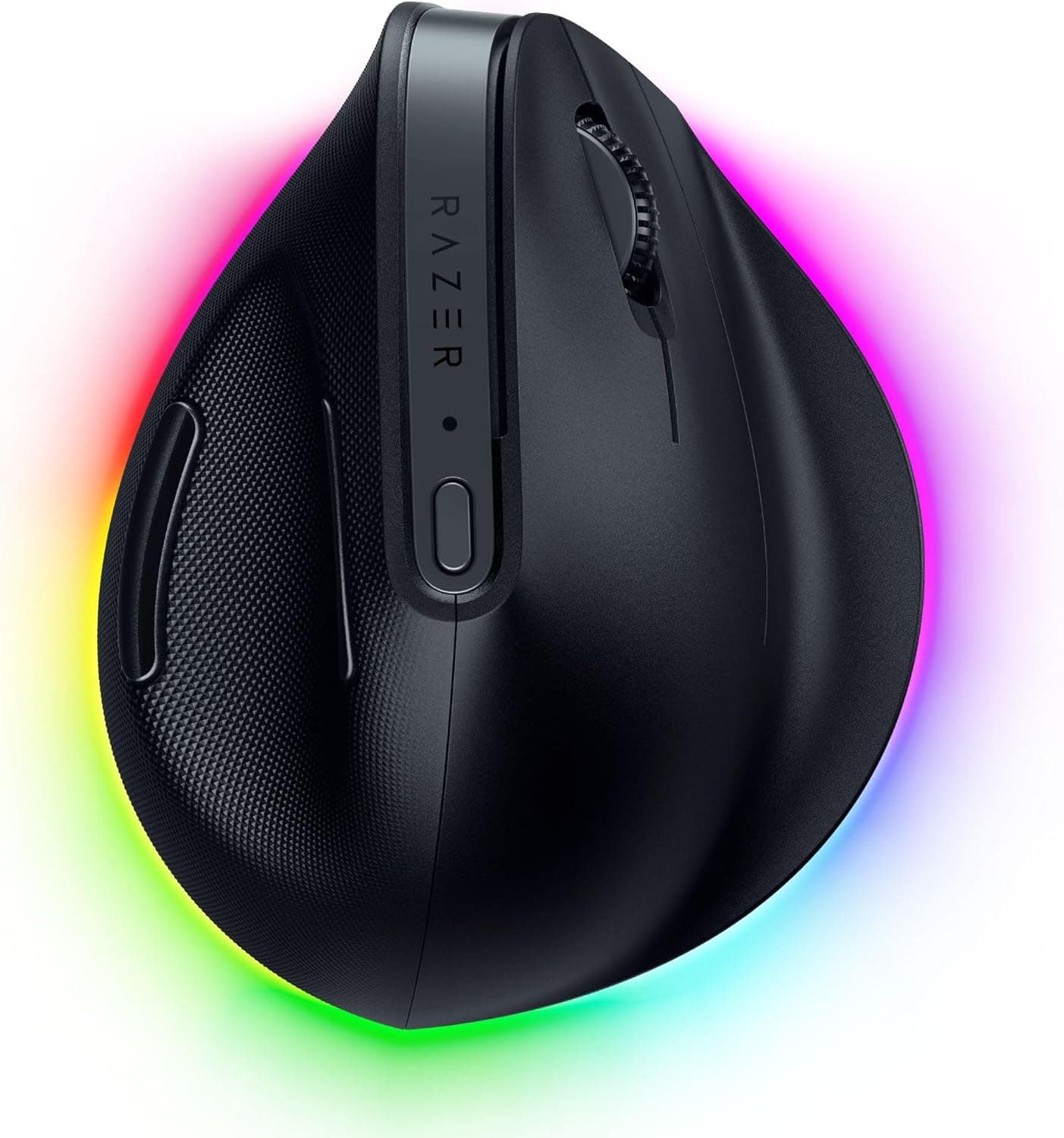
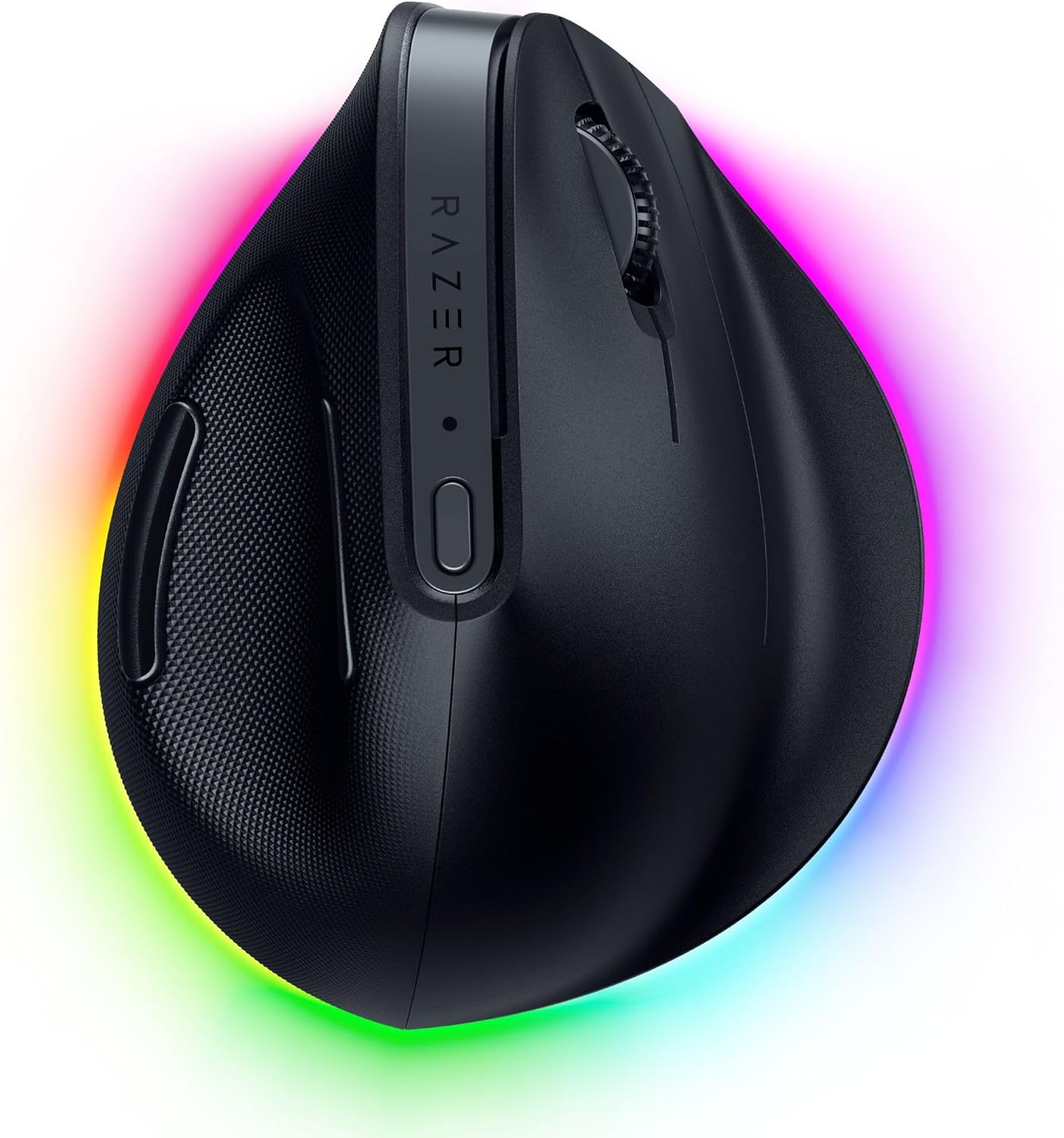
Engineered in partnership with ergonomic design firm Humanscale, the Razer Pro Click Ergonomic Wireless Mouse provides a formidable challenge to Logitech's dominance. It features an extended palm arch designed to prevent wrists from anchoring flat against the desk surface. Powered by a 5G Advanced Optical Sensor pushing up to 16,000 DPI, it tracks with exceptional responsiveness. It connects with up to 4 devices across Bluetooth and 2.4GHz wireless, delivering up to 400 hours of battery life. However, it lacks an electromagnetic free-spinning scroll wheel, relying on a traditional tactile mechanical click wheel instead.
2. The Travel & Compact Pick: Logitech MX Anywhere 3S
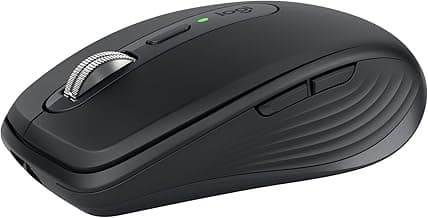
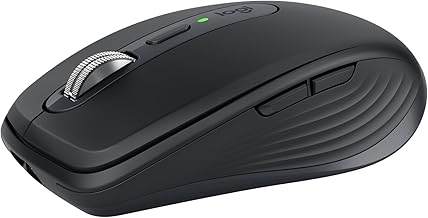
For hybrid professionals commuting between home and corporate offices, the bulk of a full-sized MX Master can be cumbersome in a laptop sleeve. The Logitech MX Anywhere 3S Compact Wireless Mouse distils the flagship's core features—the 8,000 DPI Darkfield glass-friendly tracking sensor, Quiet Click acoustic dampening, and the MagSpeed electromagnetic scroll wheel—into a lightweight, travel-friendly chassis. It offers up to 70 days of battery life on a single USB-C charge (with 3 hours of run time from a 1-minute quick charge) and pairs with up to 3 devices across multiple operating systems.
3. The Strain-Relief Specialist: Logitech Lift
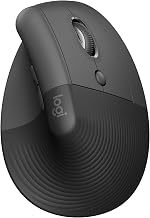
If you suffer from persistent wrist pain, tendonitis, or RSI symptoms, a standard horizontal mouse design—even a contoured one like the MX Master—may still cause forearm pronation strain. The Logitech Lift Vertical Ergonomic Mouse places your forearm into an ergo-certified 57-degree 'handshake' posture that immediately decompresses the wrist. Designed specifically for small-to-medium hands, the Lift features whisper-quiet clicks, a smooth SmartWheel, and multi-device Bluetooth switching. It is powered by a single AA battery providing up to two years of operational life.
Battery Life and Real-World Maintenance
The Logitech MX Master 3S Wireless Performance Mouse houses a 500 mAh rechargeable lithium-polymer battery. Logitech claims a full charge lasts up to 70 days under typical office use. Verified user experiences show that even with heavy 10-hour daily usage and constant Bluetooth data transmission, the battery reliably lasts between five and eight weeks before demanding a top-up.
Charging is handled via a USB-C port located on the front nose of the mouse. A three-minute rapid charge delivers enough power for a standard full workday, and you can continue using the peripheral as a wired device while it charges. To preserve battery longevity and maintain smooth tracking performance, owners should periodically wipe the Darkfield sensor aperture with a dry cotton swab and clear any dust or lint buildup from the MagSpeed wheel cavity.
Who Should Buy the Logitech MX Master 3S?
The MX Master 3S is not designed for fast-paced competitive FPS gaming, where ultra-lightweight 50g chassis and 1000Hz+ polling rates take priority. Instead, it is an unapologetic productivity powerhouse built for:
- Power Users and Programmers: Professionals who rely on extensive keyboard shortcuts, code reviews, and multi-monitor desktop setups.
- Spreadsheet and Data Specialists: Anyone navigating dense tables who can take direct advantage of the MagSpeed free-spin wheel and thumb horizontal scroll wheel.
- Multi-Machine Operators: Users running separate Mac and Windows systems side-by-side using Logitech Flow for seamless copy-pasting.
- Shared Workspace Workers: Individuals in quiet office spaces or home setups who need near-silent click acoustics without sacrificing tactile feedback.
If you have small hands or require a dedicated vertical mouse to alleviate diagnosed wrist RSI, look toward the Logitech Lift Vertical Ergonomic Mouse instead. But for the vast majority of desk-bound knowledge workers seeking to upgrade their everyday workflow, the MX Master 3S remains the benchmark against which all other productivity mice are measured.